
DiskWhisk press kit
Everything you need to write about DiskWhisk: facts, ready-to-use descriptions, screenshots, the icon and a 30-second video. Use any of it freely.
The zip has the icon, all screenshots at full size and the fact sheet. The video is a separate download below.
At a glance
- What it is
- A disk space visualizer for Mac. It maps every file as a colorful treemap so the space hogs jump right out.
- Developer
- InfiniteTaste LLC, an independent Mac developer
- Price
- Free version with every feature, showing up to 99 GB of files per scan. A one-time $4.99 license shows everything, on up to 3 Macs, with all 1.x updates. 30-day money-back guarantee.
- Requirements
- macOS 14 Sonoma or later, including macOS 26. Universal app for Apple silicon and Intel.
- Current version
- 1.1, which adds Find by name, Color by Age, live highlight, treemap export and 24 languages. Release notes
- Languages
- 24, including English, Chinese, Spanish, French, German, Japanese, Korean, Portuguese, Russian, Arabic and Hindi
- Privacy
- File lists never leave the Mac. No account, no analytics, no tracking.
- Distribution
- Direct download from diskwhisk.app, notarized by Apple, with automatic updates
- Press contact
- [email protected]
Descriptions you can use
Tagline
See what’s filling your Mac.
One line
DiskWhisk maps every file on your Mac as a colorful treemap, so the space hogs jump right out.
Short (50 words)
DiskWhisk is a fast, native disk space visualizer for macOS. It draws your whole disk as a treemap where every block is a file, sized by the space it takes, so the biggest files and folders stand out at a glance. Free for scans up to 99 GB; a one-time $4.99 license removes the limit.
Long (150 words)
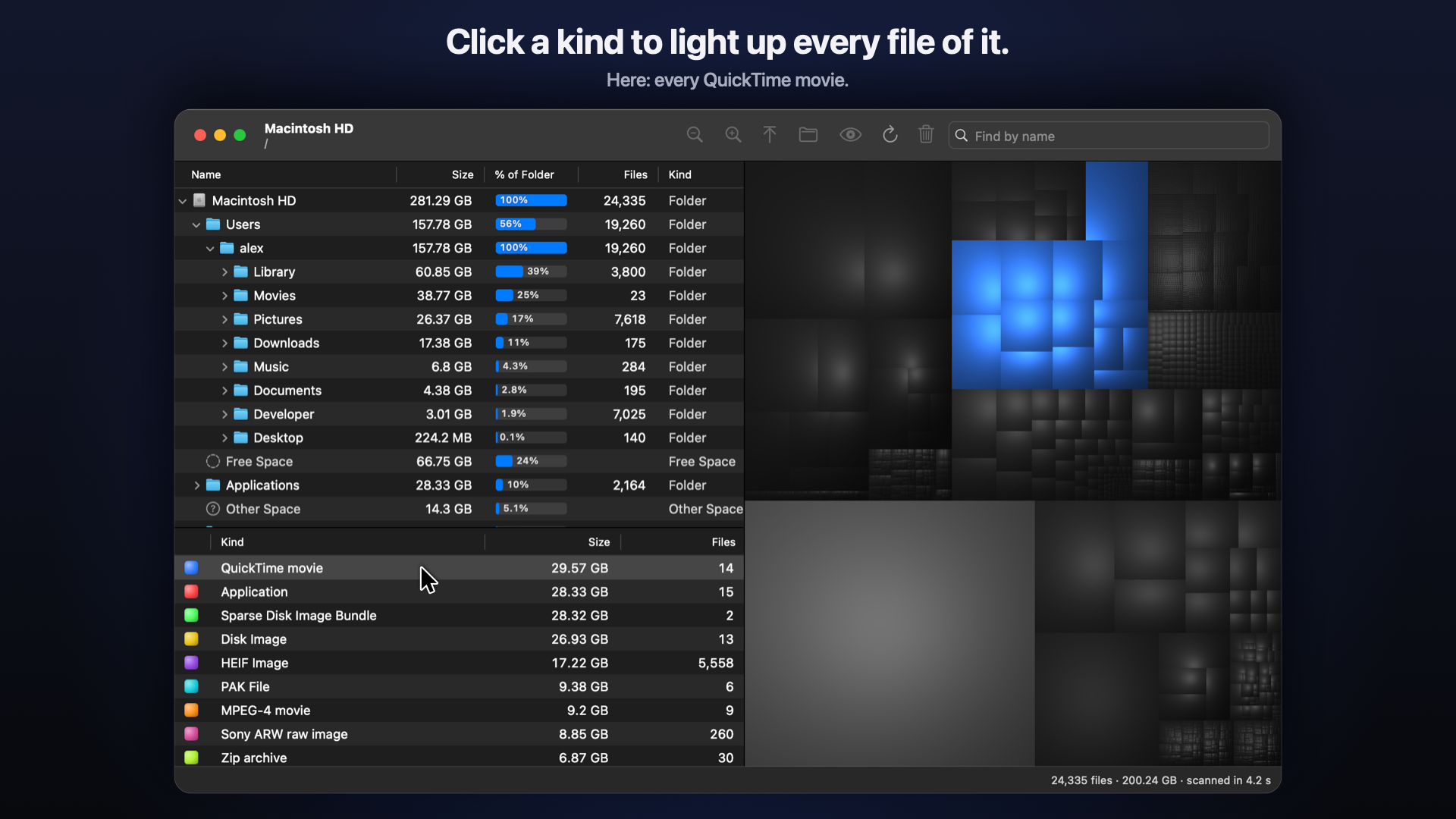
When a Mac runs out of space, the hard part is finding out what is using it. DiskWhisk scans a disk in seconds and draws every file as a block in a shaded “cushion” treemap: big blocks are big files, and the folder structure shows inside each block. Point at a block to see what it is, double-click to drill into a folder, or pick a file kind, such as movies or disk images, to light up every file of that type. Find by name (⌘F) highlights matching files, and Color by Age shows which files have not been touched in years. Quick Look, Reveal in Finder and Move to Trash make cleanup safe; nothing is ever deleted permanently. DiskWhisk is a native Mac app written from scratch. It was inspired by the classic Disk Inventory X, which no longer runs on current macOS. It collects no data and needs no account.
About the developer
DiskWhisk is made by InfiniteTaste LLC, an independent developer of native Mac software. It is sold directly at diskwhisk.app.
Screenshots
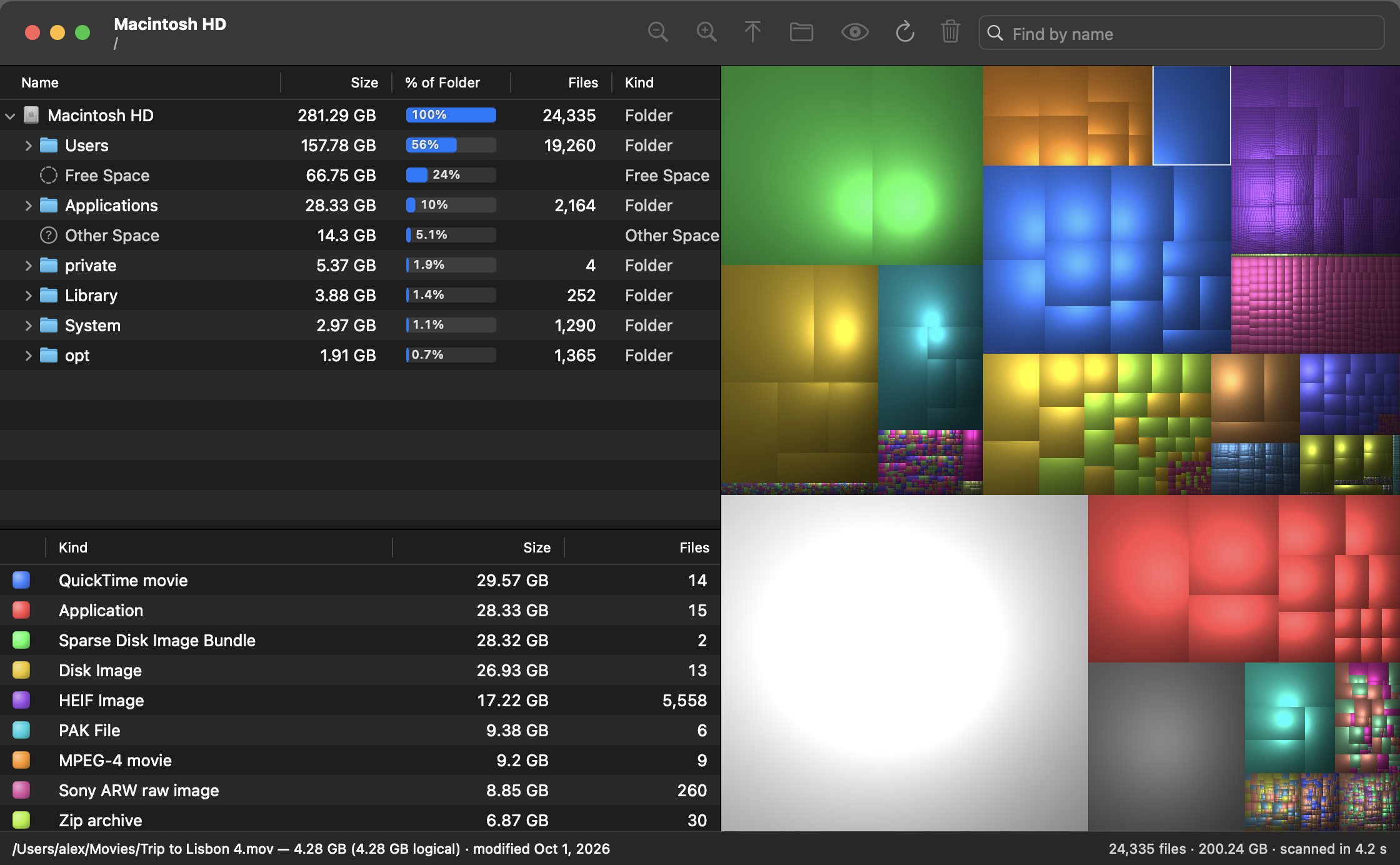
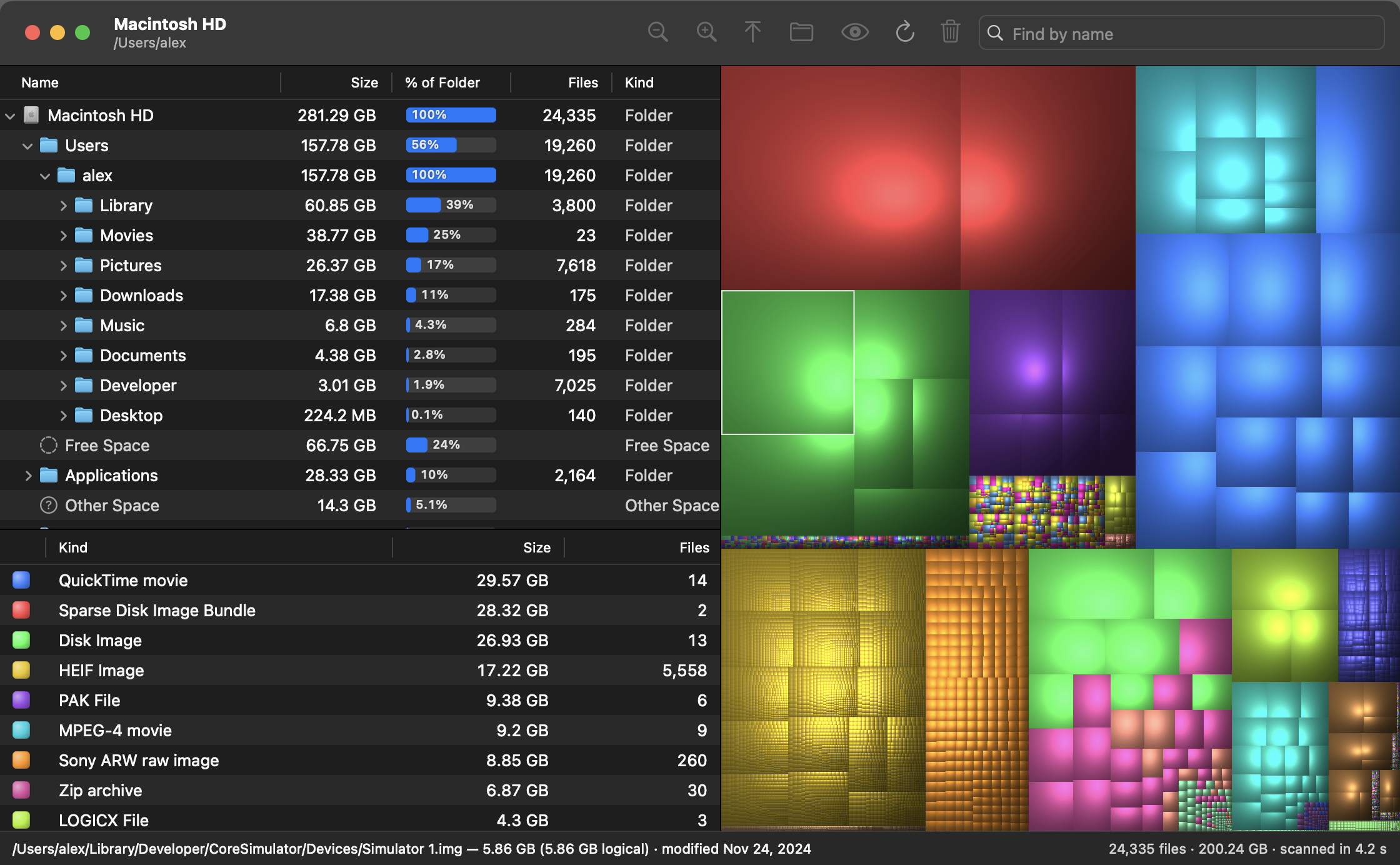
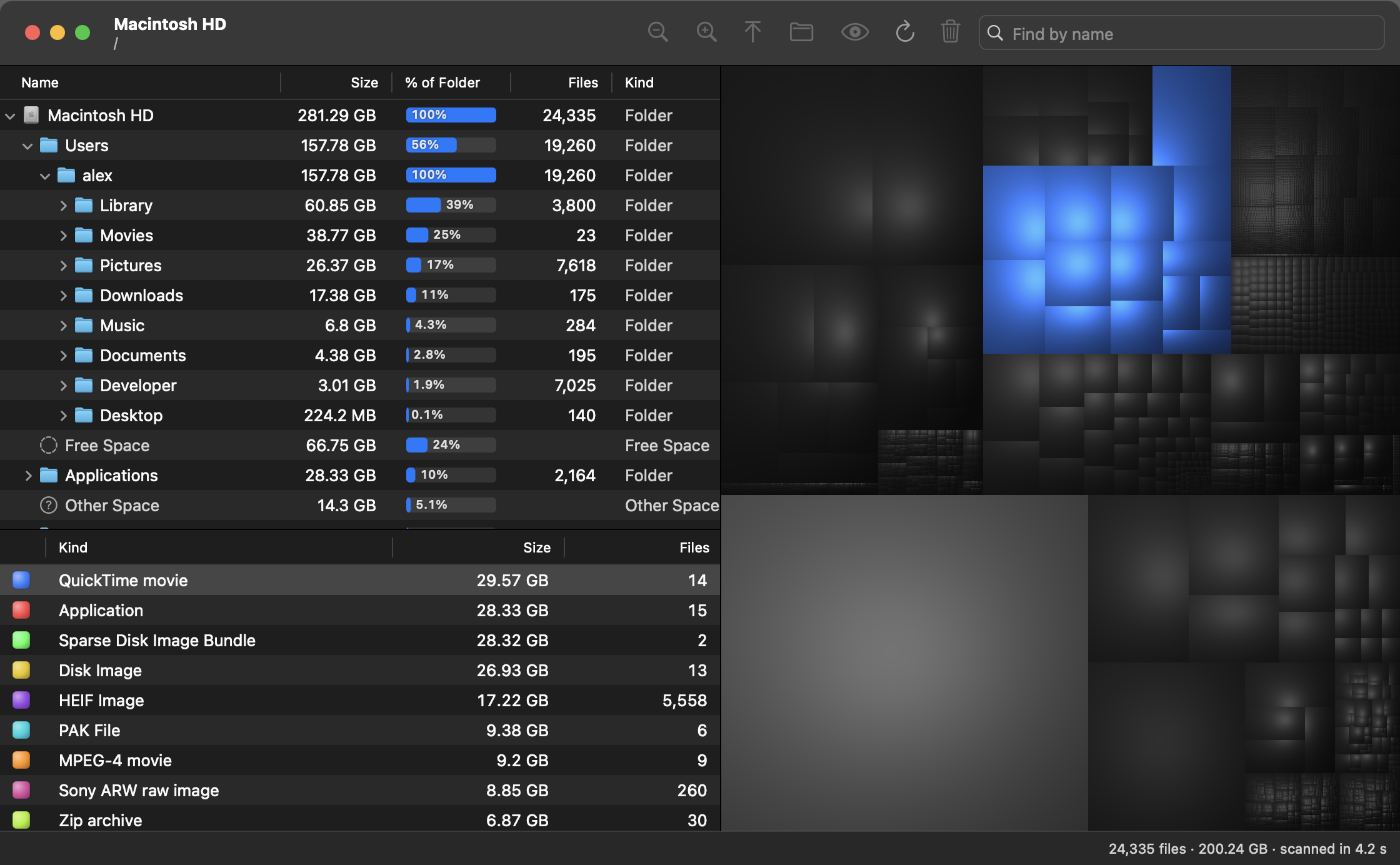
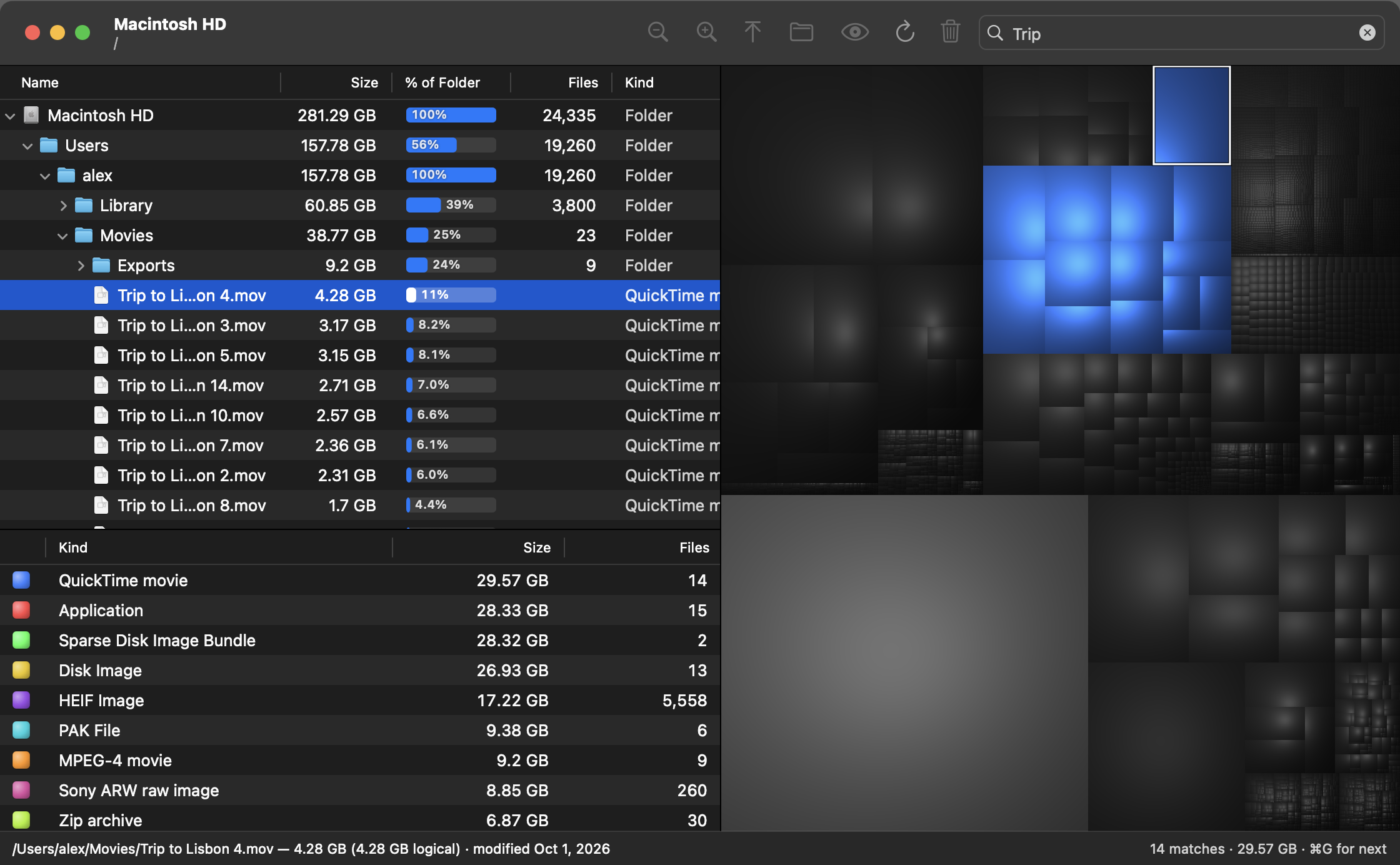
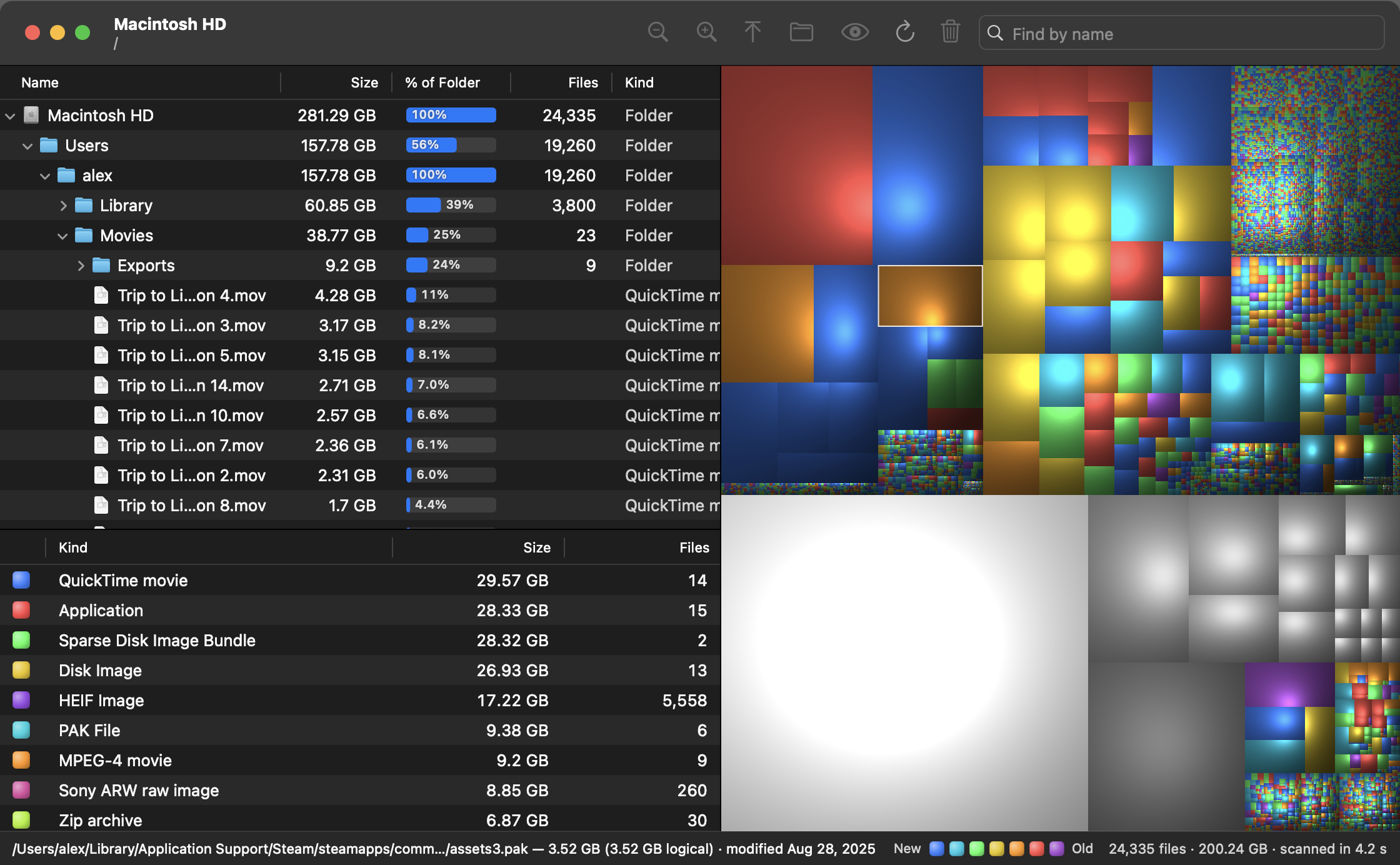
Full-window PNGs at 2240 × 1384. Click to download. All shots use a demo disk, so no real person’s files appear.

App icon
Download 1024 × 1024 PNGFeatures
- Shaded cushion treemap of every file, colored by kind
- Folder outline sorted by size, with % of folder and file counts
- Kind statistics: click a kind to highlight all its files
- Double-click to drill into any folder; zoom in and out
- Find by name (⌘F); ⌘G jumps to the next-largest match
- Color by Age, from this week to 5+ years
- Free Space and Other Space shown in volume scans
- App bundles and photo libraries count as one file, or open them up
- Quick Look, Reveal in Finder, Move to Trash, rescan one folder
- Export the treemap as a PNG
- Fast parallel scanner; sizes match what
dureports - 24 languages; follows your Mac’s language